
Verify That the Phantom Shares Come from the Server
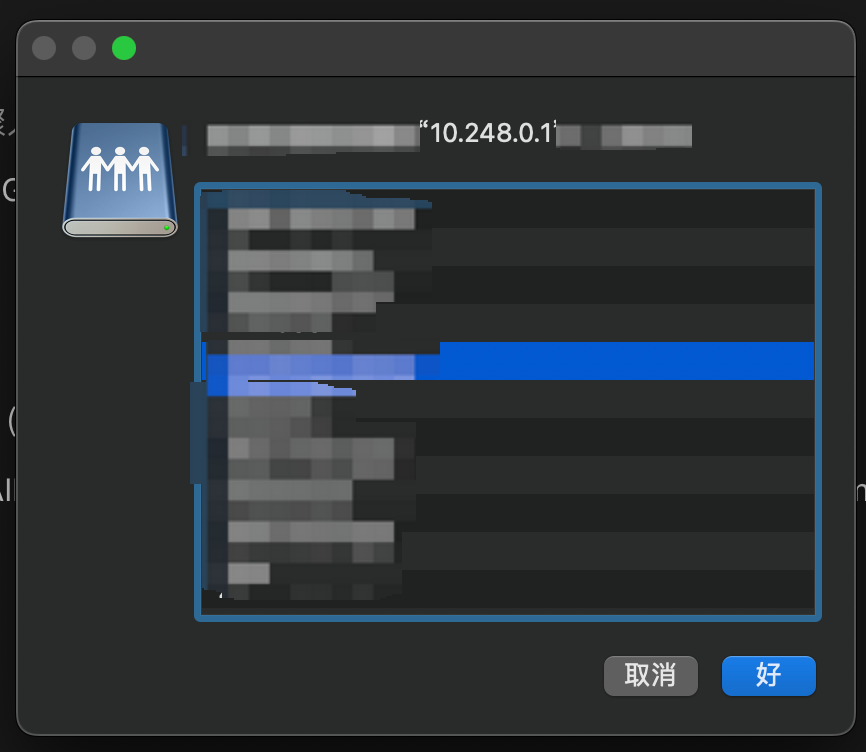
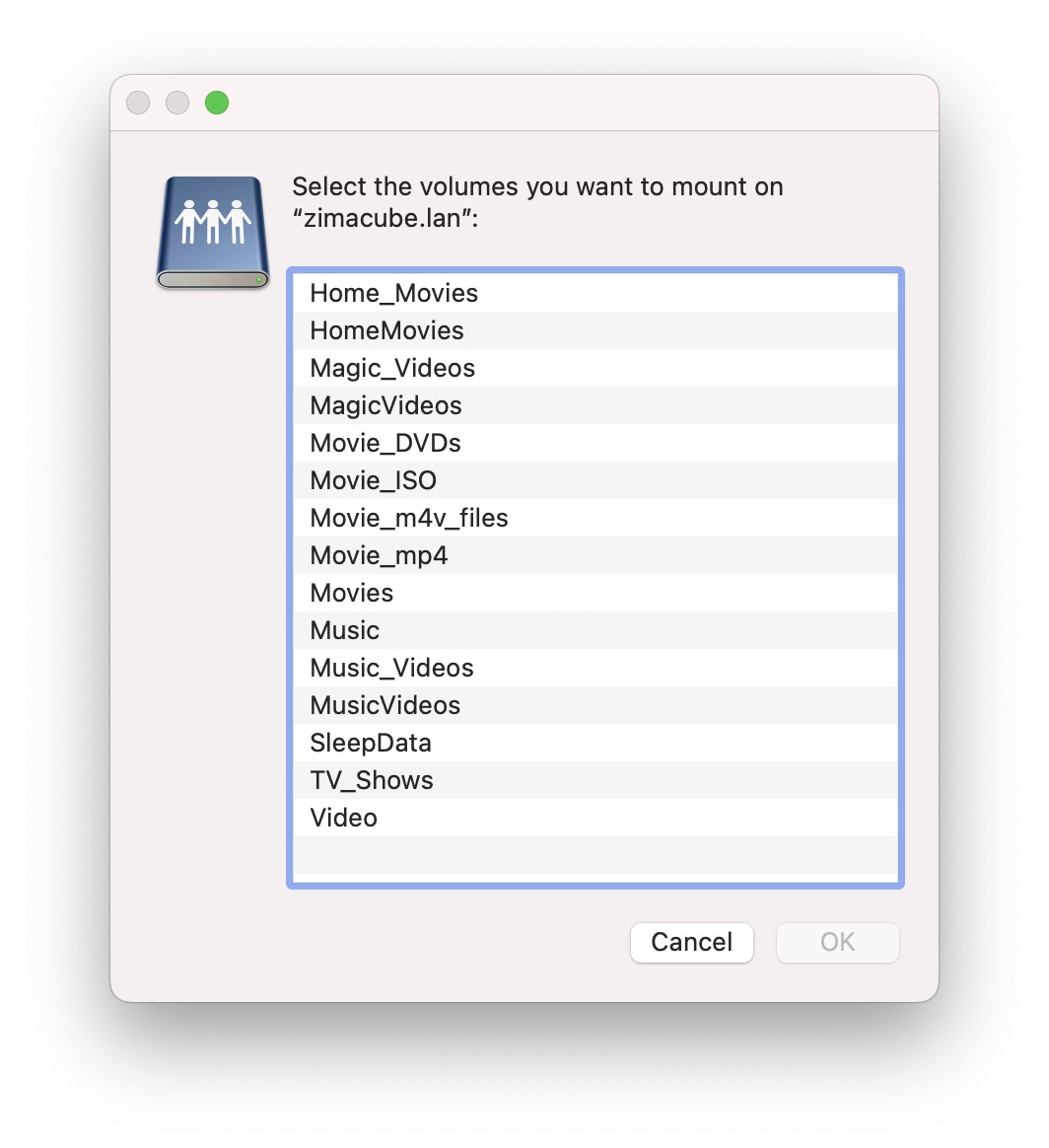
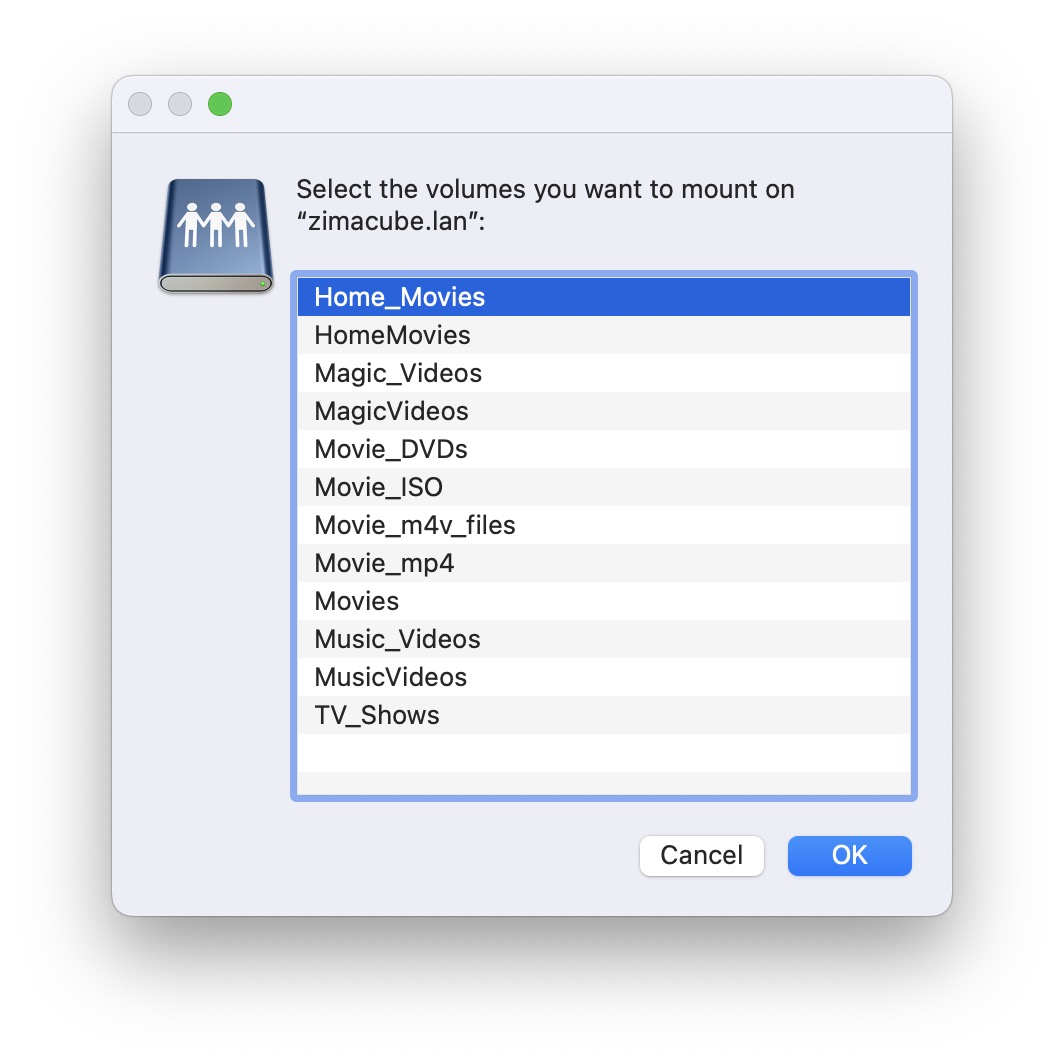
The ZimaCube owner could still see and mount empty SMB shares from two failed RAID5 setup attempts. Current shares on ZimaOS 1.2.2 could be added and removed normally, but the older names stayed in the network share chooser.
A Mac that had never connected to the ZimaCube displayed the same obsolete names. That control ruled out a cache limited to one client and placed the stale state on the server side.
Repeat that low-risk check before changing the server: compare the list from a new client or clean profile with the active shares shown in ZimaOS Files. Record which entries are real and which mount as empty.
Do Not Rebuild the Working RAID to Remove Share Names
The team stated that its repair principle was to avoid forcing users to rebuild or reload RAID data unless unavoidable. It later confirmed that the share problem would not affect existing RAID data.
That separates storage integrity from share-list cleanup. Verify the current array and real shares first. If the RAID is healthy and data remains accessible, phantom names are not evidence that the array must be recreated.
If the array itself is degraded or missing, stop and treat that as a separate recovery incident. Do not combine a storage repair with SMB cleanup because that removes the ability to tell which change affected which problem.
The Team Confirmed a Share-Management Bug
A ZimaOS team member confirmed that file and storage operations were not then associated with share cleanup. Another user reported a related symptom: renaming or deleting a shared folder left its old SMB name active.
The original issue began after ZimaOS 1.2 failed to preserve RAID configuration across power cycles. Updating to 1.2.1 and 1.2.2 stopped the RAID persistence failure, but the stale share records remained.
ZimaOS 1.2.3 did not remove them. The team said the fix was planned for 1.2.4 and offered remote assistance beforehand, but the topic contains no later post confirming that 1.2.4 cleared the author's entries. Preserve that version boundary.
Avoid Hand-Editing Generated Samba Files
The author found obsolete definitions in /etc/samba/smb.casa.conf. Editing, deleting, or replacing that file did not persist after reboot, and the network list sometimes contained more names than the file itself.
That behavior indicates another component regenerated or supplied share state. Repeated manual edits risk divergence from ZimaOS management without producing a durable repair.
Restore any experimental changes, keep the active RAID untouched, and use the supported UI, update path, or remote-support process. Recovery must be validated from a new client after a restart, not only by inspecting one configuration file.
Escalate with a Reproducible Share Inventory
If a supported update does not remove the phantom entries, capture the ZimaOS version, Files share list, client share chooser, and names that mount empty. Note that the same list appears on a new client.
Request share-state remediation without authorizing a RAID rebuild unless storage evidence independently requires one. The team offered remote assistance specifically to remove the ghost shares before its planned update.
After remediation, restart once, reconnect from both an existing and a new client, and confirm that only active shares appear and open the expected paths. That complete test proves recovery.
FAQ
Are phantom SMB shares only a macOS cache problem?
Not in this case. A Mac with no previous ZimaCube connection saw the same entries.
Did ZimaOS 1.2.3 remove the old shares?
No. The author explicitly reported that 1.2.3 did not fix them.
Did the topic confirm that ZimaOS 1.2.4 fixed the bug?
The team planned the fix for 1.2.4, but the thread does not include a final user validation.


