
ZimaBlade vs Raspberry Pi 5: x86 NAS Board or Maker SBC?
A practical comparison of a compact x86 storage board and Raspberry Pi 5, focused on architecture, native SATA, PCIe add-ons, networking, maker I/O, and the real cost of turning either into a server.
Updated September 21, 2026
ZimaBlade 7700 vs Raspberry Pi 5 8GB: Verdict and Best Use Cases
Start with the direct answer, then use the scenario matrix to see which NAS fits each workload.
A compact x86 storage server
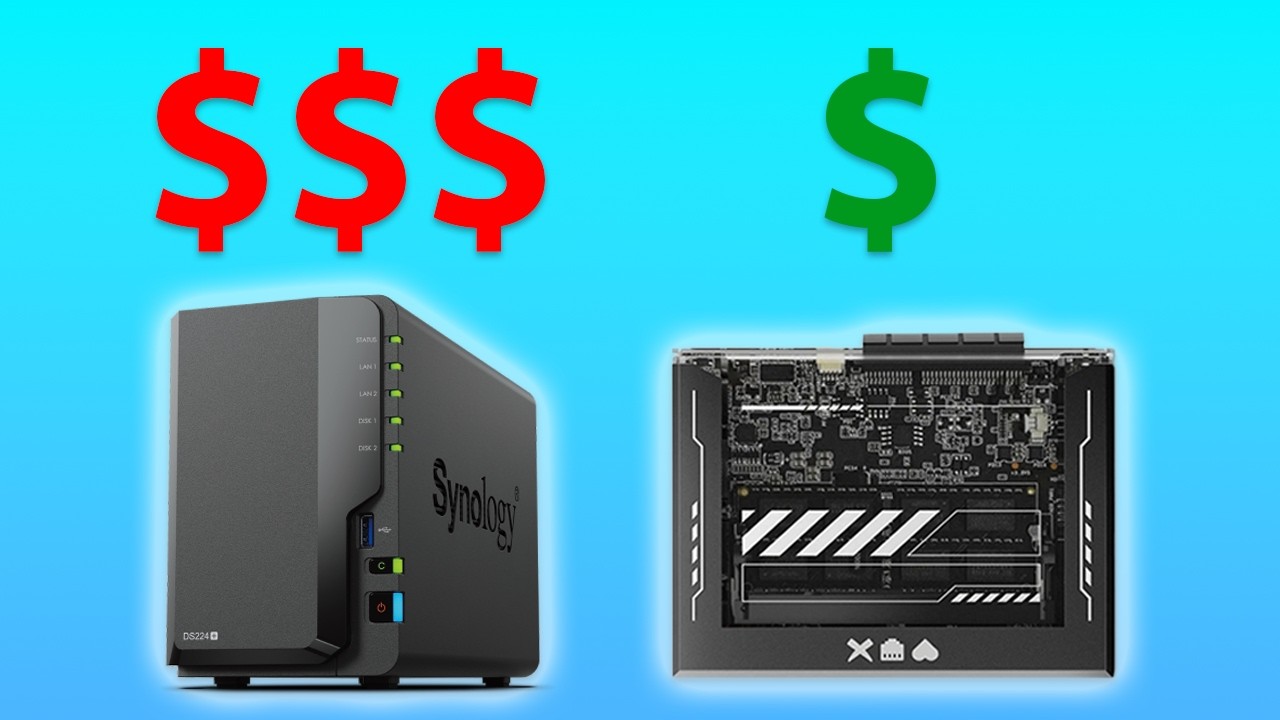
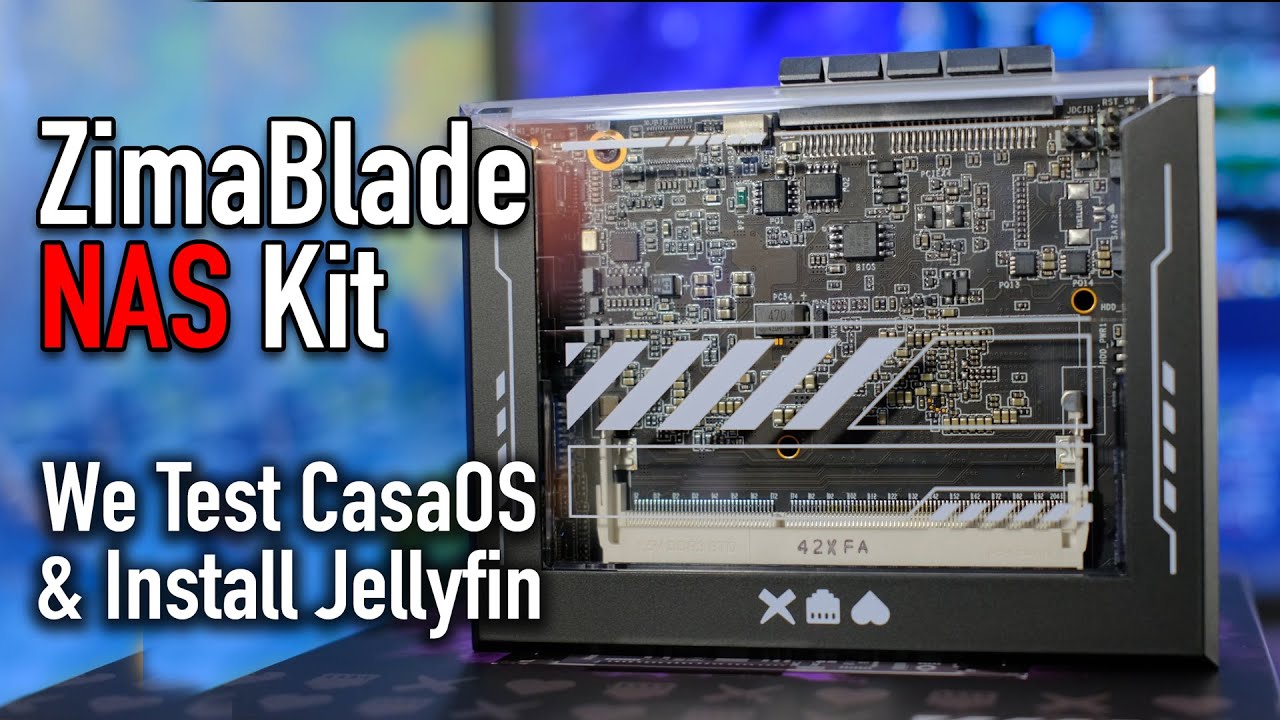
The ZimaBlade product page uses an Atom x7-E3950, supports up to 16GB DDR3L SO-DIMM memory, includes 32GB eMMC, and exposes two SATA ports, Gigabit Ethernet, USB, Mini DisplayPort, and a PCIe 2.0 x4 slot. It is built around small NAS, Docker, network-service, and maker-server roles.
A mature Arm maker computer
Raspberry Pi 5 uses a Broadcom BCM2712 with four Cortex-A76 cores at 2.4GHz, 1/2/4/8/16GB LPDDR4X options, Gigabit Ethernet, dual-band 802.11ac Wi-Fi, microSD boot storage, two USB 3 ports, dual micro-HDMI, a 40-pin GPIO header, and a PCIe 2.0 x1 FFC connector for HATs. It is a capable general-purpose SBC, but SATA storage needs USB, HAT, or a separate enclosure.
| Use Case | Better Choice | Why |
|---|---|---|
| Two-drive x86 NAS | ZimaBlade | Two SATA ports and eMMC avoid an external storage chain. |
| GPIO robotics or maker project | Raspberry Pi 5 | The 40-pin header, camera/display ecosystem, and accessory support are the point of the platform. |
| x86-only Docker or firewall image | ZimaBlade | Avoid Arm image and binary compatibility checks. |
| Desktop with dual 4K displays | Raspberry Pi 5 | Dual micro-HDMI outputs and its modern display pipeline fit that role. |
| PCIe network or storage card | ZimaBlade | Its PCIe 2.0 x4 slot is a more direct card interface than the Pi HAT-oriented x1 FFC path. |
| Lowest-risk media playback build | Raspberry Pi 5 | Active cooling and current software support provide a stronger general SBC baseline. |
ZimaBlade 7700 vs Raspberry Pi 5 8GB Specifications
The main table compares the closest standard configurations only, so higher-end SKUs do not distort the baseline comparison.
| Specification | ZimaBlade | Raspberry Pi 5 |
|---|---|---|
| CPU architecture | x86-64 | Arm64 |
| Processor | Intel Atom x7-E3950, 4 cores, up to 2.0GHz | Broadcom BCM2712, 4 × Cortex-A76 at 2.4GHz |
| Memory | DDR3L SO-DIMM, up to 16GB | 1/2/4/8/16GB LPDDR4X |
| Boot storage | 32GB eMMC | microSD; USB and PCIe boot options depend on setup |
| Native SATA | 2 × SATA with power | None; USB or HAT storage required |
| Ethernet | 1 × Gigabit | 1 × Gigabit |
| Wireless | No onboard Wi-Fi listed | Dual-band 802.11ac Wi-Fi and Bluetooth |
| Expansion | PCIe 2.0 x4 slot | PCIe 2.0 x1 FFC for compatible HATs |
| Maker I/O | USB and Mini DisplayPort | 40-pin GPIO, camera/display connectors, 2 × USB 3 |
| Display | Mini DisplayPort | 2 × micro-HDMI, dual 4Kp60 capable with suitable cooling |
Primary comparison baseline: Raspberry Pi 5 has newer Arm compute, a large accessory ecosystem, and maker I/O, while ZimaBlade has the more direct storage-server architecture. Both can run Linux and containers, but the architecture, boot medium, and drive attachment are different enough that the finished system should be designed before purchase.
Category-by-Category Comparison
What the specification differences mean for storage, networking, software, self-hosting, media, and local AI.
Architecture Is the First Software Gate
Raspberry Pi 5's BCM2712 is a modern four-core Cortex-A76 Arm processor. Debian-based Raspberry Pi OS and many container images support Arm64, and the board has a broad community ecosystem. Yet x86-only binaries, proprietary agents, hypervisor images, and some vendor containers still require a separate compatibility check.
ZimaBlade's x86-64 Atom platform is slower and older, but it is easier to carry forward a server stack documented for Intel PCs. That matters for firewalls, NAS software, and containers with no reliable Arm build. Neither architecture wins universally; the required image should decide first.
Category verdict: ZimaBlade wins mandatory x86 compatibility; Raspberry Pi wins when the workload is Arm-supported and maker-oriented.
Native SATA vs HAT and USB Storage
ZimaBlade can use two SATA drives directly and keep the OS on 32GB eMMC. A mirror, backup pair, or media disk arrangement is clear, and the PCIe slot remains available for another card.
Raspberry Pi 5 boots from microSD in the common setup and has no native SATA. Storage can be attached by USB 3, a PCIe HAT, or a network enclosure. Those routes are flexible, but they add power, cables, case fit, boot, and driver decisions. A Pi NAS can be excellent, but it is an assembled system rather than a native two-SATA board.
Category verdict: ZimaBlade is the direct two-drive NAS; Pi 5 is the more flexible maker storage project.
Compute, Media, and Cooling
Pi 5's Cortex-A76 CPU is substantially newer than ZimaBlade's E3950, and its media/display support is better suited to a desktop, kiosk, or current SBC application. Active cooling is recommended for sustained performance, especially with heavy CPU or video work.
ZimaBlade's lower-power x86 platform is adequate for DNS, backups, file sharing, home automation, and light containers. It can use a PCIe accelerator or NIC, but that requires validation. For a two-drive always-on server, the Pi's compute advantage may not justify an external storage stack.
Category verdict: Pi 5 wins modern SBC compute and media; ZimaBlade wins bounded storage services with direct drives.
GPIO and Accessory Ecosystem vs Conventional PCIe
Raspberry Pi 5 exposes a 40-pin GPIO header, camera/display connectors, dual micro-HDMI, USB 3, and a huge accessory ecosystem. Those interfaces matter for robotics, sensors, signage, and custom enclosures, where the board is a component in a larger project.
ZimaBlade offers fewer maker-specific headers but a conventional PCIe 2.0 x4 slot. A supported NIC, SATA controller, or accelerator can be added with a more familiar server workflow. Physical power, cooling, and enclosure constraints still apply, but the expansion decision is more explicit.
Category verdict: Pi 5 wins embedded I/O; ZimaBlade wins conventional server-card expansion.
Pros, Cons, and Which One Should You Buy?
Bring the important trade-offs and final buyer recommendations together in one decision section.
Choose the Finished System, Not the Benchmark Headline
[('Two-drive home NAS', 'ZimaBlade 7700', 'Native SATA and eMMC create the shorter recovery path.'), ('GPIO or camera project', 'Raspberry Pi 5 8GB', 'Use the 40-pin and accessory ecosystem.'), ('x86 service migration', 'ZimaBlade 7700', 'Avoid architecture translation and image gaps.'), ('Desktop or dual-display kiosk', 'Raspberry Pi 5 8GB', 'Use dual micro-HDMI and current Arm media support.')]
| Buyer | Recommended Model | Decision Rule |
|---|---|---|
| R | ||
| a | ||
| s | ||
| p | ||
| b | ||
| e | ||
| r | ||
| r | ||
| y | ||
| P | ||
| i | ||
| 5 | ||
| i | ||
| s | ||
| t | ||
| h | ||
| e | ||
| s | ||
| t | ||
| r | ||
| o | ||
| n | ||
| g | ||
| e | ||
| r | ||
| m | ||
| o | ||
| d | ||
| e | ||
| r | ||
| n | ||
| m | ||
| a | ||
| k | ||
| e | ||
| r | ||
| a | ||
| n | ||
| d | ||
| m | ||
| u | ||
| l | ||
| t | ||
| i | ||
| m | ||
| e | ||
| d | ||
| i | ||
| a | ||
| S | ||
| B | ||
| C | ||
| . | ||
| Z | ||
| i | ||
| m | ||
| a | ||
| B | ||
| l | ||
| a | ||
| d | ||
| e | ||
| i | ||
| s | ||
| t | ||
| h | ||
| e | ||
| m | ||
| o | ||
| r | ||
| e | ||
| d | ||
| i | ||
| r | ||
| e | ||
| c | ||
| t | ||
| x | ||
| 8 | ||
| 6 | ||
| s | ||
| t | ||
| o | ||
| r | ||
| a | ||
| g | ||
| e | ||
| b | ||
| o | ||
| a | ||
| r | ||
| d | ||
| , | ||
| e | ||
| s | ||
| p | ||
| e | ||
| c | ||
| i | ||
| a | ||
| l | ||
| l | ||
| y | ||
| f | ||
| o | ||
| r | ||
| t | ||
| w | ||
| o | ||
| S | ||
| A | ||
| T | ||
| A | ||
| d | ||
| r | ||
| i | ||
| v | ||
| e | ||
| s | ||
| a | ||
| n | ||
| d | ||
| P | ||
| C | ||
| I | ||
| e | ||
| c | ||
| a | ||
| r | ||
| d | ||
| s | ||
| . | ||
| T | ||
| h | ||
| e | ||
| r | ||
| i | ||
| g | ||
| h | ||
| t | ||
| c | ||
| h | ||
| o | ||
| i | ||
| c | ||
| e | ||
| i | ||
| s | ||
| d | ||
| e | ||
| t | ||
| e | ||
| r | ||
| m | ||
| i | ||
| n | ||
| e | ||
| d | ||
| b | ||
| y | ||
| w | ||
| h | ||
| e | ||
| t | ||
| h | ||
| e | ||
| r | ||
| t | ||
| h | ||
| e | ||
| f | ||
| i | ||
| n | ||
| a | ||
| l | ||
| s | ||
| y | ||
| s | ||
| t | ||
| e | ||
| m | ||
| i | ||
| s | ||
| a | ||
| n | ||
| a | ||
| c | ||
| c | ||
| e | ||
| s | ||
| s | ||
| o | ||
| r | ||
| y | ||
| - | ||
| r | ||
| i | ||
| c | ||
| h | ||
| A | ||
| r | ||
| m | ||
| p | ||
| r | ||
| o | ||
| j | ||
| e | ||
| c | ||
| t | ||
| o | ||
| r | ||
| a | ||
| c | ||
| o | ||
| m | ||
| p | ||
| a | ||
| c | ||
| t | ||
| s | ||
| e | ||
| r | ||
| v | ||
| e | ||
| r | ||
| w | ||
| i | ||
| t | ||
| h | ||
| c | ||
| o | ||
| n | ||
| v | ||
| e | ||
| n | ||
| t | ||
| i | ||
| o | ||
| n | ||
| a | ||
| l | ||
| x | ||
| 8 | ||
| 6 | ||
| s | ||
| t | ||
| o | ||
| r | ||
| a | ||
| g | ||
| e | ||
| . |
Bottom line: Memory Tiers Do Not Remove the Storage Difference
SKU Family: What Changes Above the Standard Models?
The head-to-head comparison stays focused on ZimaBlade 7700 and Raspberry Pi 5 8GB. Higher-end variants are explained separately here.
Family Options and Memory Planning
Both products offer multiple memory tiers, but Pi memory is soldered LPDDR4X while ZimaBlade uses a replaceable DDR3L SO-DIMM. The Pi 5 baseline is 8GB; ZimaBlade 7700 supports up to 16GB.
| Configuration | What Changes | Who It Fits |
|---|---|---|
| ZimaBlade 3760 | Entry x86, DDR3L, two SATA, PCIe | Light server services |
| ZimaBlade 7700 | Quad-core x86, up to 16GB, two SATA, PCIe | Compact x86 NAS |
| Raspberry Pi 5 8GB | BCM2712 Arm, 8GB LPDDR4X, GPIO, dual display, PCIe HAT path | Maker, media, and Arm projects |
Watch and Read More About ZimaBlade
Three creator videos and three related Zima articles add real-world context beyond the comparison tables.
Watch Creator Videos



Frequently Asked Questions
Long-tail buying questions, SKU questions, and query fan-out from the comparison.
ZimaBlade vs Raspberry Pi 5 FAQ
Is Raspberry Pi 5 x86?
No. It uses Arm64 BCM2712; ZimaBlade uses x86-64 Intel hardware.
Does Raspberry Pi 5 have native SATA?
No. SATA needs USB, a PCIe storage HAT, or a separate enclosure.
Which has more Ethernet bandwidth?
Both baseline boards have one Gigabit Ethernet port. Pi 5 adds Wi-Fi; ZimaBlade can use PCIe for a compatible NIC.
Can Pi 5 run Docker?
Yes, when images support Arm64 and the OS exposes the required hardware.
Does Pi 5 need active cooling?
Active cooling is recommended for sustained loads and higher performance; case and workload affect results.
Which is easier for a two-drive NAS?
ZimaBlade, because two SATA ports and eMMC boot storage are integrated.


