
This thread contains three separate questions that are easy to mix together: whether the PCIe device is detected, whether the Linux driver is attached, and whether the ZimaOS dashboard shows a GPU widget. They are not the same test.
Check PCIe Detection Before the Dashboard Widget
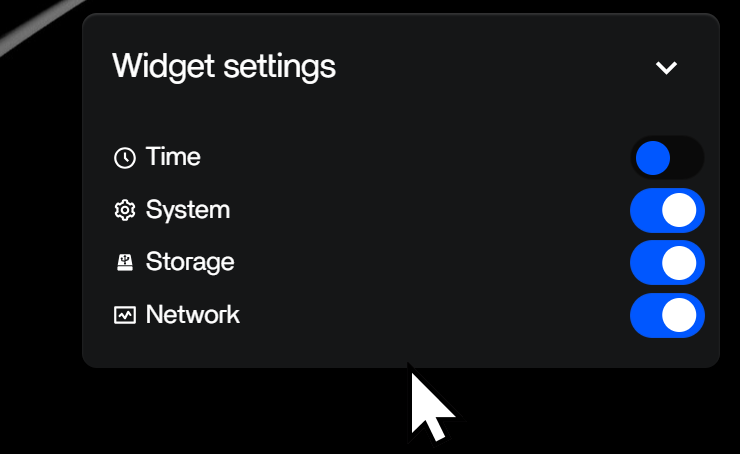
A community reply showed an Arc A310 detected by lspci with the i915 kernel driver. Later, Zima staff clarified that the dashboard widget at that time only displayed NVIDIA GPU information. A missing widget therefore did not prove the card was absent.
For current hardware planning, the Zima PCIe ecosystem explains PCIe lane and generation constraints, while Zima GPU expansion covers Zima GPU expansion more broadly.
The Original Poster Found a Model-Specific Power Difference
The user first tested a Sparkle Intel Arc A310 ELF and could not get the discrete GPU to appear. They later switched to a Sparkle Arc A310 ECO and reported that it worked. The thread suggests power delivery as a likely factor, but it does not include controlled electrical measurements proving that was the only cause.
Intel's Intel Arc A310 specifications lists the Arc A310 family with a 75 W TBP and a lower-power range of 40–75 W depending on implementation. Board-partner models can therefore differ materially in power delivery and form factor even when both are called A310.
Resizable BAR and Platform Firmware Still Matter
Intel's Intel Resizable BAR guidance explains that Resizable BAR is a PCIe capability controlled through platform firmware and can affect discrete-GPU behavior and performance. Do not assume every first-generation ZimaCube and every A310 board-partner design expose the same firmware and power conditions.
For Jellyfin, Test the Whole Acceleration Path
The Jellyfin hardware requirements separates GPU capability from actual container acceleration. Even after lspci sees an Arc card, Jellyfin still depends on the host driver, device exposure, permissions, FFmpeg support, codecs, subtitles, and selected hardware-acceleration settings.
Bottom Line
Do not use the ZimaOS GPU widget as the first detection test for Intel Arc. Verify the PCIe device and kernel driver, then test the real workload. In the source case, the original A310 board did not work for the user while the Sparkle A310 ECO did, which makes board-level power and implementation differences an important troubleshooting branch.


