
From Pi-hole to a Family Server: u/2Hard4Him’s ZimaOS Story


A home server changes character when other people begin relying on it. A hobby project now holds something a family wants to find, a game someone expects to join or a collection that matters after the original phone has been replaced. That transition is a good reason to revisit the way the system is organized.
In u/2Hard4Him’s Self-Hosting Day comment, a plan to try Pi-hole develops into an older Dell OptiPlex running ZimaOS. The contribution describes two 4 TB IronWolf drives in RAID 1, a Minecraft server managed through Crafty, family photo uploads with Immich and remote access. The author’s unfinished task is off-site backup: the mirrored drives address a drive failure, while accidental deletion needs a different recovery plan.
The Important Upgrade Is Taking Responsibility for a Service
From ZimaSpace’s perspective, the interesting step is the move from an experiment to a shared responsibility. A successful installation is a beginning. A family service also needs an understandable address, appropriate accounts, a maintenance routine and a way to recover important data. Those details determine whether somebody else can use the system without the owner explaining every click.
Start with one household task and describe what success looks like to its user. A photograph should be findable and open correctly. A shared folder should give the intended person the right access. A game session should preserve the agreed progress. Write these outcomes before expanding the app list. They help distinguish a useful addition from another service that creates maintenance work without improving daily life.
Organize by Service Responsibility Before Adding More Apps
Keep the application, its configuration and its retained data visible as separate parts of the setup. An installation can be easy to repeat while its database or saved state is difficult to reconstruct. Record the location of each important component and the account responsible for it. For a shared household machine, also decide who can administer the service and who only needs to use it.
This is a manageable project even without an elaborate dashboard. A short inventory can identify the service, its purpose, where its data lives and what must be checked after a restart. Keep that inventory updated when moving a folder or changing an account. Our home-lab architecture case study provides a larger example of separating application roles; the same habit is useful on a single reused computer.
A Household Service Needs More Than an App Icon
| Responsibility | What to record | What to demonstrate |
|---|---|---|
| Access | The normal entry point and appropriate user accounts | A household member can reach the intended service. |
| Data | Original files, application state and configuration locations | The service can identify the authoritative data. |
| Maintenance | Planned downtime and the update/recovery procedure | The ordinary client workflow still works after a change. |
| Recovery | Independent copies and version requirements | A sample can be restored without altering the live collection. |
Design Photo Recovery Around the Whole Application
For a photo service, recovery should restore a usable collection. Immich’s backup documentation explains that a comprehensive backup includes both the database and the asset files. A database dump alone does not contain the photos and videos. Keep the application’s own recovery requirements with the household backup plan rather than assuming that one copied directory captures everything.
Run a small restore into an isolated test environment and follow documentation appropriate to the version being restored. Check that representative originals open and that the restored application can locate them. Retain the test conditions and result. This is a more useful acceptance check than counting backup files, because it tests the experience the household is actually trying to preserve. Keep the live library unchanged while developing that recovery procedure.

Give a Shared Server a Maintenance Window
A household service deserves predictable changes. Before an update, identify what may be interrupted, preserve the relevant configuration and confirm the recovery copy is available. Let the people using the service know when work is planned. Afterward, test through an ordinary client account, not only the administrator’s dashboard. The administrator can sometimes reach a service through a route other users do not have.
For important updates, record the new application version and any data migration involved. Returning to an older container image may be insufficient if the stored data has changed format. Keep a compatible recovery path for the application as a whole and consult its release guidance. That makes maintenance a deliberate change to a shared system rather than a sequence of restarts whose consequences are discovered later.
Where ZimaCube 2 Becomes a Natural Next Step
If a household collection begins to outgrow its improvised storage arrangement, a ZimaCube 2 personal cloud NAS is one option for a more deliberate local data hub. This is ZimaSpace’s planning perspective, separate from the contributor’s reported hardware. The useful question is whether the household now needs clearer storage organization, more drive capacity or a consistent place for shared applications and retained files.
Use the platform to establish responsibilities: an incoming area, the authoritative collection, application data and an independent recovery destination. Plan the drive configuration and any SSD working tier around measured growth and active services. More capacity should support an existing recovery policy, not postpone it. Keep a second recoverable copy outside the main device and test that the restored collection remains understandable to someone else.
Keep the Family Experience Simple as the System Grows
Choose names and entry points that reflect what people want to do. Someone opening a photo library should not need to know the container name or the storage topology. Preserve that convenient user experience while keeping the administrator’s service inventory more detailed. A simple front door and a documented back end can coexist; each is useful to a different person.
Before moving the whole collection or adding another application, complete one small handoff from source to shared access to recovery. Check the account permissions, locate an original file and restore a sample. Our introduction to ZimaOS Photos offers another view of a local photo-library workflow. Choose the application that fits the household, and keep its storage and recovery requirements explicit.
FAQ
Do I need a dedicated NAS to start a family server?
You can start on a suitable spare computer, as the Dell OptiPlex in this story demonstrates. Before moving the family collection, check hardware compatibility, available drive connections and space for the applications you plan to run. A dedicated NAS becomes worth considering when the current machine makes storage expansion or everyday maintenance difficult.
Does RAID 1 protect family photos from accidental deletion?
No. A mirror keeps the same data on both drives, so deleting a photo can remove it from both. It can help keep storage available after a single drive failure, but it does not provide an older copy of a deleted file. Keep a separate backup with retained versions and another copy away from the main server.
What should I back up for Immich?
Back up both the photo and video files and the Immich database. The database backup does not include the original media. Include any external library locations you use, and follow the backup and restore instructions for your installed version. Test a small restore separately before relying on the process for the entire household library.
Can a photo library and a Minecraft server share one machine?
They can share a machine when its resources meet both applications’ needs. Check memory use, CPU load and storage activity during a game session while photo processing is running. Back up the game world as well as the photo service, and schedule heavy jobs or updates outside the times the family normally uses them. If either service becomes unreliable under the combined load, reduce that load or separate the services.
When would moving to ZimaCube 2 make sense?
Consider the move when you need room for more drives, a central home for shared files or a storage arrangement that is easier to manage than the current computer. First list the data, application settings and accounts that must move. Transfer a small sample, check access from the family’s devices and test recovery before retiring the original setup. The new machine still needs its own independent backup plan.
Conclusion
This project began with Pi-hole and grew into a place for family photos and Minecraft worlds. Each addition gave the server a practical purpose and made its upkeep matter to more people. The next useful step is to finish the off-site backup, document where each service keeps its data and make sure a household member can use the system without help.
An existing PC may serve that role for years. When the collection needs more storage, ZimaCube 2 offers another platform to consider. Carry the recovery plan into that upgrade: keep the originals accessible, preserve application data and verify the new setup before switching the family over.

Recommended products

Zima Campaign Hub
More to Read
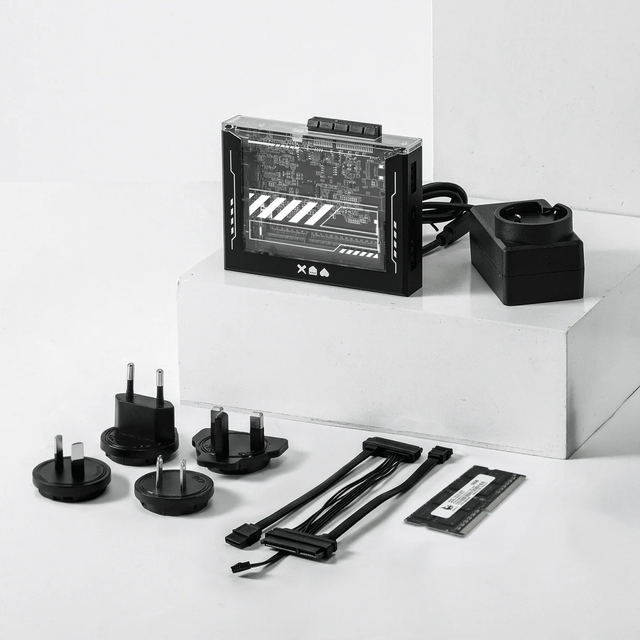
ZimaBlade Is Now ZimaBoard SE: What Changes and Which Kit to Choose
ZimaBlade becomes ZimaBoard SE with installed 8GB or 16GB RAM, 64GB eMMC and ZimaOS Plus. Compare specifications, Starter and NAS Kits, pricing and FAQs.
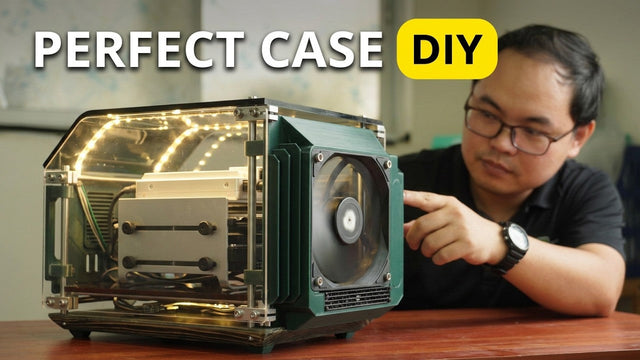
How The TKT Works Builds a Custom Acrylic Case for ZimaBoard 2
Follow The TKT Works’ custom ZimaBoard 2 case build, covering the rod frame, acrylic panels, front display, cable routing, and cooling considerations.
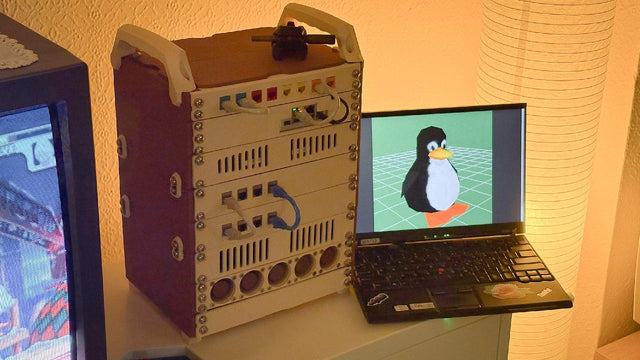
How kabuto Builds a Modular 10-Inch Homelab with ZimaBoard 2
Explore kabuto’s modular 10-inch homelab with ZimaBoard 2, printed patch panels, reused hardware, Immich, Nextcloud, and remote access through Tailscale.


