
What Hardware and Software Factors Enable Fast Immich Recovery?


Fast Immich recovery depends less on headline CPU speed than on complete state, compatible services, readable backups, and a rehearsed restore sequence.
A server can boot quickly yet remain unusable because the database is missing, media paths differ, or derivatives must be rebuilt. Recovery time should end when a representative household workflow works again, not when containers first report healthy.
Recovery Starts With the Right Persistent State
Immich persistence includes original media and database records that describe users, assets, albums, relationships, and processing state. Restoring only files can preserve photographs without reconstructing the same application library. Restoring only the database can produce records whose paths no longer reach the corresponding media.
The ZimaSpace Immich backup guide states that a comprehensive backup needs uploaded photos and videos plus the Immich database. That pairing is the foundation for recovery-time planning because all later hardware and automation improvements are irrelevant when one required side of the relationship is absent.
List every persistent location and map it to its restore destination. Include externally managed originals, profile data, secrets, and configuration needed to reproduce mounts and identities. Mark derivatives separately because they may be regenerated, but omitting them trades smaller backups for longer post-restore processing.
Software Compatibility Determines Whether State Can Start
A backup is interpreted by a specific application, database engine, extensions, container configuration, and path layout. Restoring data into an incompatible stack can fail before hardware speed matters. The recovery kit therefore needs the compose definition, pinned versions or documented upgrade path, secrets, and storage mappings.
A community report about a broken Immich deployment after a major version change attributes the failure to a database vector-extension mismatch. One report does not define every upgrade, but it illustrates why “latest container plus old data” is not a complete recovery procedure.
Preserve the last known working software bill and the target recovery bill. In an isolated test, restore first with compatible versions, verify the library, then perform any required migration. Combining disaster recovery and an untested upgrade makes failures harder to attribute and lengthens the critical path.
Read Throughput and Small-I/O Latency Set the Restore Clock
Recovery moves and verifies data, restores database records, and may regenerate derived files. Large originals reward sequential throughput, while database restore and millions of smaller files can be sensitive to latency and metadata operations. Remote backups add network bandwidth, retransmission, and authentication to the critical path.
A hands-on Immich backup article separates the database dump from the media directory and uses an external copy target. That structure exposes two different restore workloads. Measuring only a large-file copy can therefore overstate how quickly database replay and small-file restoration will finish.
Time each phase independently: fetch, checksum, database restore, media placement, startup, and derivative rebuild. Watch CPU, device latency, and network throughput during the slowest phase. Upgrade the resource that shortens the measured critical phase rather than assuming a faster processor accelerates every recovery step.

A Timed Restore Drill Converts Components Into Recovery
Create an isolated target with empty storage and no access to production write paths. Start a clock before retrieving backups. Restore the database and required files in the documented dependency order, then verify login, timeline display, original download, album membership, and a known search from a normal client.
A detailed independent Immich backup guide distinguishes must-have originals and database backups from regenerable thumbnails and encoded video. That distinction lets a drill measure two objectives: time to protect irreplaceable content and relationships, then additional time until convenience features and derivatives are fully ready.
Stop the drill only when the predefined workflows pass, and record total time plus every manual decision. A fast copy followed by hours of path repair is slow recovery. Repeat after changing versions, storage layout, authentication, or backup tooling because each change can invalidate the earlier result.

Recommended products

Tech & AI HUB
More to Read
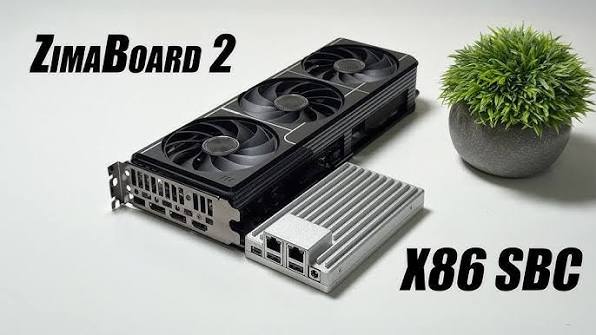
What Is Immich State, and Which Parts Must Persist?
Immich state includes originals, database relationships, identity, configuration, and derivatives; persist each according to whether it is reconstructable.
How Does Immich Handle Authentication Across Local and Remote Sessions?
Immich uses server-side identity with client sessions, while proxy headers, origins, and OIDC redirects can make local and remote behavior differ.
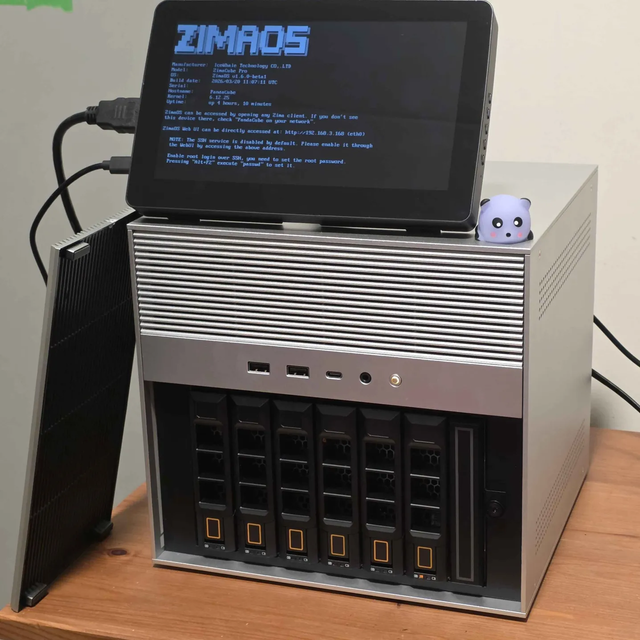
What Causes Immich Search or Query Results to Slow as Data Grows?
Immich growth can enlarge indexes, evict hot pages, complicate filters, and delay media delivery; separate these stages before tuning.


