
Why Does Jellyfin Return Intermittent HDR-and-Subtitle Playback Errors?


Intermittent Jellyfin errors with HDR subtitles usually mean one conversion stage is close to its limit, so compare the same file with HDR and subtitles toggled before changing hardware.
A browser, TV app, or remote client may request a different path: decode, tone-map, burn subtitles, scale, encode, and deliver segments. Hold the client and quality constant, change one media feature at a time, read the matching FFmpeg or playback log, and stop if the error reproduces across clients with the same server path.
Build a Same-File HDR and Subtitle Test Matrix
The original HDR-plus-subtitle session fails intermittently. Begin with the least invasive check: Play the same file on the same client with HDR and subtitles off, HDR on with subtitles off, HDR off with subtitles on, then the original combination. HDR isolation matrix
The useful observation is specific: only HDR fails, only subtitles fail, only combination fails, all modes fail. Record the result before changing another variable.
Interpret the branch instead of guessing. If only HDR fails, inspect tone mapping; if only subtitles fail, inspect burn-in; if only the combination fails, measure GPU margin; if all modes fail, test baseline transport.
Read the Transcode and FFmpeg Evidence
The media matrix identifies a failing combination. Begin with the least invasive check: Capture Jellyfin playback mode and FFmpeg log for the failed attempt, then compare it with a passing mode.
The useful observation is specific: Direct Play passes, transcode starts then exits, segments write too slowly. Record the result before changing another variable. FFmpeg log check
Interpret the branch instead of guessing. If Direct Play passes, keep the server path and fix client compatibility; if FFmpeg exits, inspect the named filter or codec; if segment production is slow, measure GPU and storage before changing subtitles.
Separate Client Capability from Server Capacity
The server path is known, but the error may be client-specific. Begin with the least invasive check: Repeat the file on a Direct Play-capable client and the affected client, keeping server and account constant.
The useful observation is specific: control client passes, both clients fail, only remote client fails. Record the result before changing another variable.
Interpret the branch instead of guessing. If the control passes, choose client-rendered subtitles or a compatible HDR format; if both fail, fix the server path; if remote only fails, test network and proxy buffering.

Apply the Matched Fix and Replay the Original Load
One cause branch has been corrected. Begin with the least invasive check: Apply one change, restart playback, and replay the same scene twice with HDR, subtitles, client, and quality unchanged. tone-mapping workload
The useful observation is specific: two clean plays, first play passes but second fails, error moves to another stage. Record the result before changing another variable.
Interpret the branch instead of guessing. If two original-load plays pass, stop; if the second fails, inspect warm-up or cache behavior; if the error moves, revert the change and test the newly named stage.

Recommended products

Support & Tips
More to Read
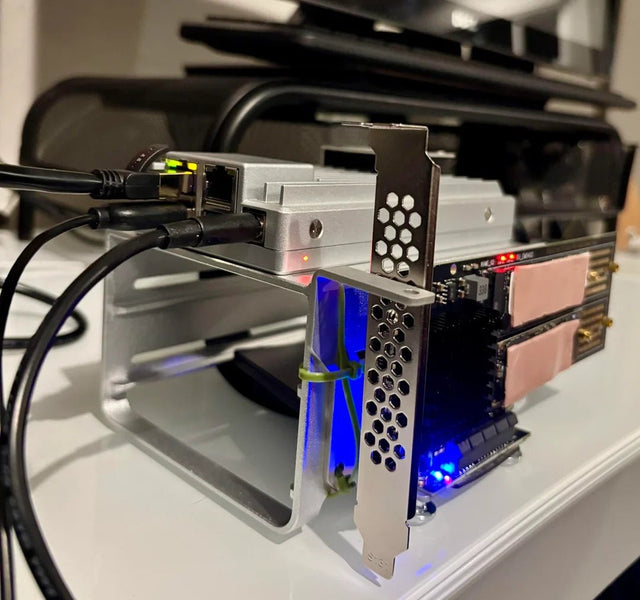
Can Jellyfin Safely Share a GPU or Accelerator With Another Container?
GPU sharing is conditional: verify device visibility and driver support, then run both workloads and watch for software fallback.
How to Tell Whether a Jellyfin Error Comes From the Client or Server
A Jellyfin error belongs to the client when it follows one device; it belongs to the server when multiple clients fail under the same...
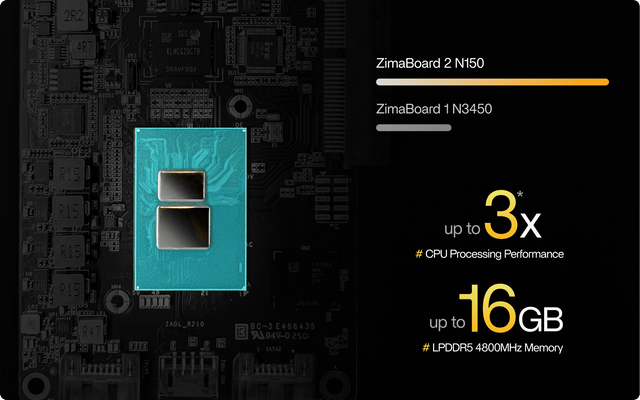
How to Configure Jellyfin Cache and Temporary Storage
Separate durable state, rebuildable cache, and temporary transcode storage, then verify capacity and permissions with a real playback test.


