
How to Prevent Jellyfin Backups From Capturing Inconsistent State


A Jellyfin backup can contain every file and still be inconsistent if the database, config, and metadata change during capture, so define the write boundary before choosing a backup tool.
For a home server, the safest routine is to quiesce Jellyfin or use a filesystem snapshot that covers every state-bearing path, keep the source running only after capture completes, and restore-test a copy. If the test exposes missing users or history, retain the last known-good backup instead of replacing it.
Define the Consistency Boundary Before the Job Runs
Backups run on a schedule with unknown write timing. Begin with the least invasive check: List active Jellyfin jobs and decide whether the backup stops service, pauses writes, or snapshots all state paths atomically. restore boundary
The useful observation is specific: service can stop briefly, filesystem supports snapshots, neither boundary is available. Record the result before changing another variable.
Interpret the branch instead of guessing. If a stop or coordinated snapshot is available, schedule it; if not, use application backup and document scope; if neither is possible, do not call a live file copy verified.
Capture Every State-Bearing Path Under That Boundary
The capture boundary is selected. Begin with the least invasive check: Compare the backup manifest with Jellyfin data/config/cache paths and the container or host mount definition.
The useful observation is specific: all required paths included, cache only is missing, config or database absent. Record the result before changing another variable. state path inventory
Interpret the branch instead of guessing. If data and config are included, continue; if only cache is missing, document it as rebuildable; if database or config is absent, reject the backup and fix the manifest.
Restore-Test a Copy Before Trusting Retention
A backup was captured under the selected boundary. Begin with the least invasive check: Restore to a separate data path, start the matching Jellyfin version, log in, inspect history and libraries, and play one item.
The useful observation is specific: state coherent, setup wizard appears, one library or user missing. Record the result before changing another variable.
Interpret the branch instead of guessing. If state and playback pass, accept the backup; if setup appears, the mount is wrong; if state is missing, reject the backup and retain the prior copy.

Handle a Suspect Backup With the Smallest Recovery Step
A restore test shows missing or inconsistent state. Begin with the least invasive check: Keep the suspect backup read-only, compare it with the last accepted copy, and inspect source logs before recapturing.
The useful observation is specific: source healthy, source already damaged, only one path differs. Record the result before changing another variable. restore-tested retention
Interpret the branch instead of guessing. If source is healthy, correct boundary or manifest and recapture; if source is damaged, restore last good copy first; if one path differs, repair that mount and repeat the test.

Recommended products

Support & Tips
More to Read
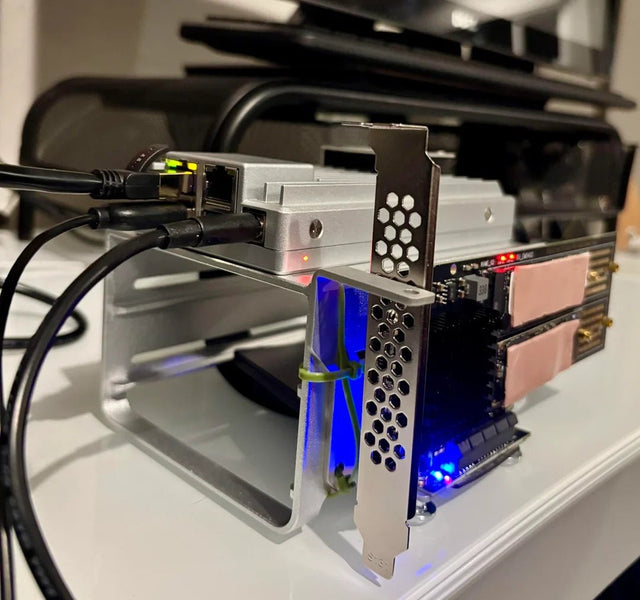
Can Jellyfin Safely Share a GPU or Accelerator With Another Container?
GPU sharing is conditional: verify device visibility and driver support, then run both workloads and watch for software fallback.
How to Tell Whether a Jellyfin Error Comes From the Client or Server
A Jellyfin error belongs to the client when it follows one device; it belongs to the server when multiple clients fail under the same...
How to Configure Jellyfin Cache and Temporary Storage
Separate durable state, rebuildable cache, and temporary transcode storage, then verify capacity and permissions with a real playback test.


