
A Pre-Upgrade Checklist for Home Assistant Containers and Dependencies


Before upgrading Home Assistant Container, capture the running container contract, verify an off-container backup, check dependency readiness, and preserve a tested rollback image.
The persistent configuration may survive container recreation while USB radios, database services, network modes, secrets, custom integrations, or companion containers do not. Build the checklist from the exact current deployment, not a generic compose example. Do not pull and restart until the backup can be located outside the container, required free space is confirmed, and the previous image reference can be restored.
Record the Running Container Contract
Capture the exact Home Assistant image digest or version, container arguments, network mode, published ports, environment variables, restart policy, time zone, security options, health check, mounted paths, and device mappings. Export the current compose or orchestration definition and compare it with the running container for drift.
Container migrations often depend on more than the visible configuration directory. A community account of moving from Home Assistant OS to containers highlights separate Zigbee2MQTT, broker, and stack definitions, showing why the complete container stack must be inventoried.
PASS means another administrator could recreate the current container from the record without guessing. FAIL means a mount, device, secret, or command exists only in runtime state. Reconcile the deployment file before upgrading; otherwise rollback may recreate a different environment.
Verify the Backup Outside the Container
Create the planned backup, copy or store it outside the container filesystem and preferably outside the same host failure domain, then record its timestamp and size. Confirm it includes the persistent configuration, hidden storage records, secrets required for restore, and any external database backup needed by the chosen architecture.
A Docker restore discussion explicitly recommends keeping backups outside the container and copying the latest backup before removing the old instance. That off-container backup rule prevents container replacement from deleting the only recovery copy.
PASS means the file is readable from the recovery environment and its contents or test restore have been verified. FAIL means the backup exists only in the volume being changed or depends on undocumented credentials. Stop the upgrade until recovery is independent of the new container.
Check Database, Storage, and Radio Dependencies
Record the database engine and version, broker and bridge versions, USB device paths, radio firmware state, network addresses, DNS names, and health of every required companion service. Check current free space for image layers, database migration work, logs, and the rollback copy.
A practical container update workflow warns that database schema migration can delay API readiness and that repeatedly restarting may interrupt progress. The sequence in a rollback-aware Docker update supports defining a migration observation window before touching the running image.
PASS means every dependency is healthy, reachable, compatible with the target release, and included in rollback planning. FAIL means a radio path is unstable, a database is already unhealthy, or free space is marginal. Repair the baseline first so a pre-existing fault is not attributed to the upgrade.

Review Custom Integrations and Release Risk
List custom integrations, frontend resources, themes, automations that call deprecated services, and version-pinned companion components. Check their maintained status and target-version compatibility. Disable nothing by default; instead identify which optional component can be isolated first if startup fails.
Home Assistant users planning Docker upgrades commonly verify backup and rollback steps before changing a long-running version. A discussion of container update preparation illustrates why the old image and persistent data must remain available together.
PASS means known compatibility risks have an isolation order and none block essential local control. FAIL means an unmaintained custom component is required but untested. Postpone, test the target image against a copy, or accept a documented degraded mode before scheduling production downtime.
Define the Upgrade Gate and Rollback Trigger
Write the exact stop order, image pull and recreation steps, expected migration signals, validation checklist, maximum outage window, and rollback command. Preserve the old image digest and do not alter persistent data manually during the first-start observation period. Choose a maintenance window with local manual control available.
Use the ZimaSpace safe migration checklist to include radios, storage, network settings, integrations, and a tested fallback beyond the container itself.
Proceed only when all earlier gates pass. After upgrade, verify logs, Recorder, essential integrations, one local automation, one remote path, backup creation, and a second restart. Roll back when migration errors repeat, essential control exceeds the outage limit, or the new container cannot reproduce the recorded contract.

Recommended products

Support & Tips
More to Read
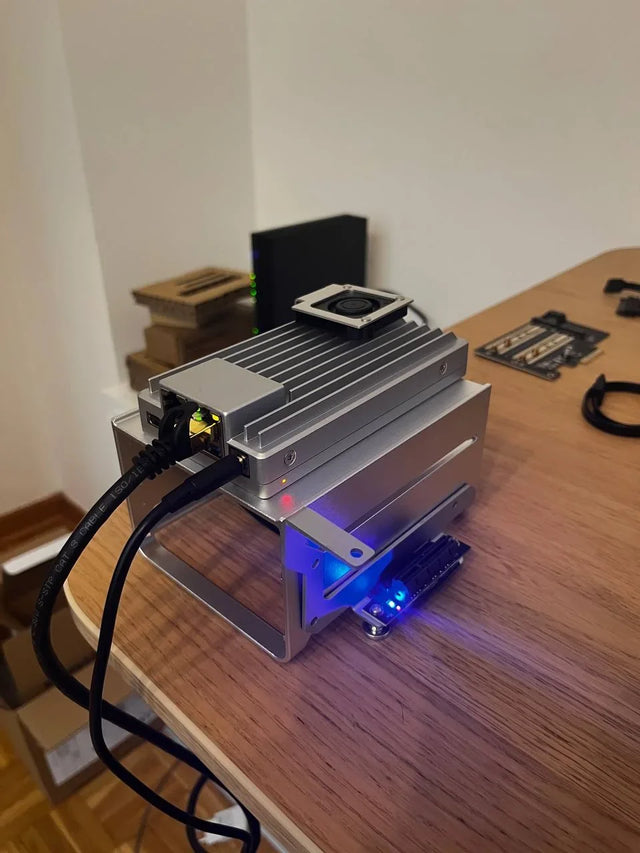
Home Assistant Works on Wi-Fi but Fails on Ethernet or VPN
Test each network path separately, verify interface and routing state, distinguish direct IP from discovery, then repair only the failed layer.
How to Decommission Home Assistant Without Leaving Unprotected Data
Prove the replacement or archive, revoke every trust path, sanitize each data-bearing device, and retain only documented protected recovery copies.
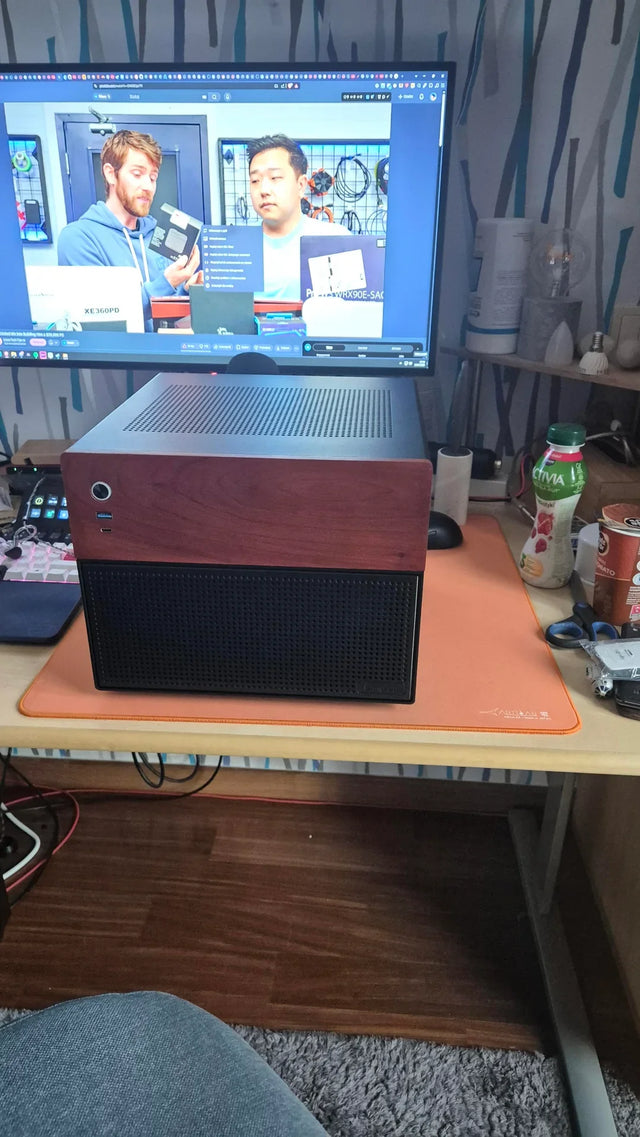
Should You Use Automatic Updates for Home Assistant on a Home Server?
Choose manual, notification-only, or staged automatic updates from household impact, compatibility risk, observation time, and recovery readiness.


