
Jellyfin Starts but Its Background Workers Remain Offline


Jellyfin does not expose one universal background-worker service that must be online separately from the web server. If the UI loads but “workers” appear offline, translate that symptom into the specific background operation that is stalled: a library scan, metadata refresh, chapter-image task, plugin job, or another scheduled task.
That distinction matters because a healthy HTTP endpoint only proves the main server process started. The next step is to identify one job that should run, inspect its last result and the matching log lines, then follow the first failed dependency—database, writable app data, media storage, plugin, or task-specific resource—without rebuilding a server that is already serving the UI.
Identify the Exact Background Task That Is Not Progressing
Open the dashboard and choose one scheduled task whose behavior you can observe. Record its last-run time, next-run time, current state, and whether manually starting it changes anything. Do not group every idle scheduled task into one “worker offline” symptom.
Jellyfin's source tree documents a dedicated ScheduledTasks implementation in the server, confirming that background maintenance is handled as individual scheduled operations rather than a generic second daemon. Jellyfin ScheduledTasks implementation
If one task fails while others complete, keep the investigation task-specific. If every task refuses to start, look for a shared dependency such as database state, data-directory permissions, or a startup migration before changing individual library settings.
Read the First Relevant Error, Not the Last Cascade
Use Jellyfin logs around the time the task was triggered. Search for the task name and then move upward to the first warning or error that explains why it could not acquire a database lock, open a path, write application data, start FFmpeg, or load a plugin dependency.
Jellyfin's troubleshooting guide recommends logs as the first place to diagnose server and playback problems and notes that debug logging can produce very large output. Jellyfin logging guidance
Enable debug logging only when normal logs do not expose the branch, reproduce one task attempt, then return logging to normal. A controlled reproduction is more useful than leaving debug logs enabled while several unrelated scheduled jobs generate noise.
Verify the Data Directory Can Be Written and the Database Can Progress
A web UI can appear even when a later background operation cannot write to a moved or remapped data path. Check the runtime UID/GID, data-directory ownership, free space, and whether the container mount is writable before repairing task settings.
Jellyfin troubleshooting documentation includes database-lock guidance for failed scans, while the container documentation shows that config and cache persistence depend on the mounted paths. Jellyfin persistent container paths
If logs show database-lock errors, reduce the specific parallel work or follow the documented database-lock troubleshooting path rather than deleting the database. If logs show permission or read-only errors, fix that exact data path and rerun the same task.

Confirm Media Storage Is Present Before Running Library Work
A scan or maintenance task cannot behave normally when one of its media paths is missing, unmounted, or intermittently slow. From the host and the Jellyfin runtime, verify that the same library path exists and is readable before manually rerunning the job.
Jellyfin warns that scheduled maintenance can remove items when media storage is unavailable. scheduled maintenance storage caution That makes “just rerun the scan” a poor first move if a NAS or external disk has not mounted correctly.
If restoring the mount makes the task complete, the worker was not the root cause. Fix mount ordering or storage reliability and validate again after a host reboot so the path is available before Jellyfin's normal maintenance window.
Isolate Plugin and Task-Specific Dependencies
When only one plugin-owned or feature-specific job fails, inspect that component rather than changing global Jellyfin settings. Compare whether the failure began after a plugin update, server upgrade, path change, or dependency change.
Keep the main server, database, and unrelated tasks intact while you disable or roll back only the suspected optional component. ZimaSpace's single-service recovery approach follows the same principle of preserving healthy dependencies while isolating one failed service.
If the job is part of core Jellyfin and the logs point to a version-specific regression, preserve the logs and exact server version before escalating. Do not generalize a plugin failure into a reason to recreate all persistent data.
Restart Only as a Validation Gate
After correcting one proven dependency, start the failed task manually and confirm it reaches the expected completion state. Then restart Jellyfin once and repeat the task or wait for its next schedule to prove the fix survives normal service startup.
A restart that temporarily clears the symptom without explaining the failed dependency is not a durable repair. If the problem returns, compare the new first error with the original one instead of adding more permission, database, and plugin changes at the same time.
Stop when the target task completes after restart, its expected output appears, and other scheduled work remains healthy. Escalate with the task name, version, first error, data-path status, and reproduction steps if the same core task still fails with storage and permissions confirmed.

Recommended products

Support & Tips
More to Read
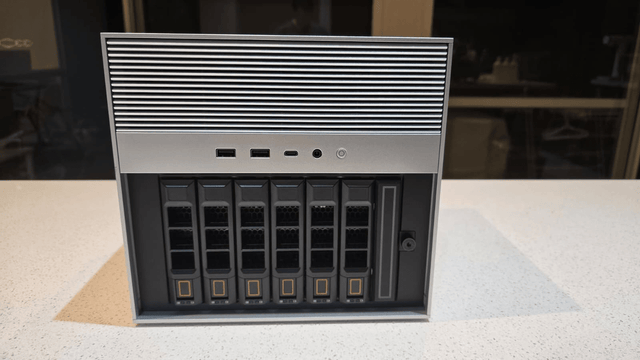
Should You Back Up Home Assistant Live or Stop the Service First?
Built-in Home Assistant backups can run live; plain filesystem copies should stop or quiesce Home Assistant unless the database is backed up consistently.
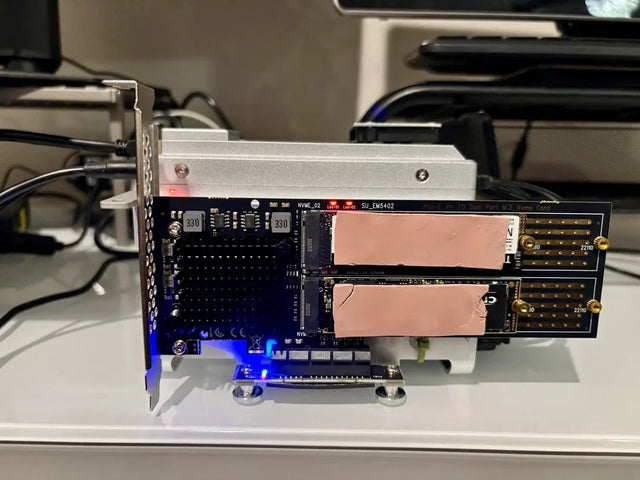
Why Does a Home Assistant Server Run Hot or Noisy During Idle Hours?
Correlate Home Assistant fan or temperature spikes with Recorder, backups, integrations, and co-hosted jobs before changing cooling or CPU limits.
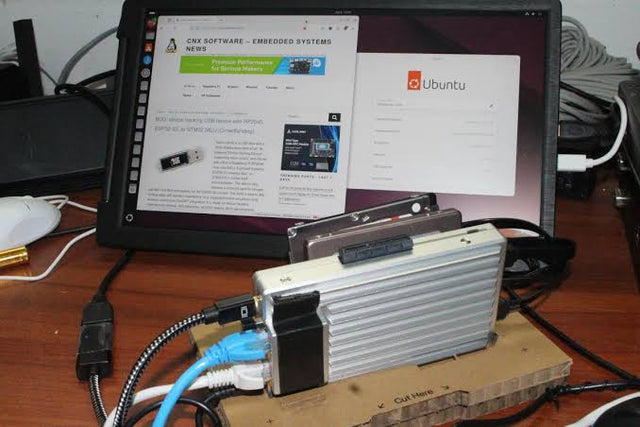
When Should You Rebuild Rather Than Repair Home Assistant?
Repair the smallest failed Home Assistant layer first, restore known-good state next, and rebuild only when persistent configuration cannot be trusted.


