
Jellyfin Host vs Bridge Networking: Which Should You Use?


For most Jellyfin containers, start with bridge networking and expose only the ports you need; choose host mode only when a tested discovery or topology requirement demands it.
On a home server, bridge mode gives a narrow boundary and explicit port mappings, while host mode removes that layer and can simplify discovery at the cost of broader exposure. Build the bridge baseline first, test local and remote playback, then make one host-mode change only if the failed capability is clearly identified.
Choose the Narrowest Network Baseline
The container has no proven network baseline. Begin with the least invasive check: List required client paths: local web, local playback, remote proxy, and optional discovery.
The useful observation is specific: all paths use explicit ports, discovery is the only missing path, proxy needs host topology. Record the result before changing another variable. bridge network isolation
Interpret the branch instead of guessing. If explicit ports satisfy the paths, stay on bridge; if discovery alone fails, test discovery mapping before host mode; if the proxy requires host binding, document that exception.
Configure and Verify Bridge Networking
Bridge mode is selected as the baseline. Begin with the least invasive check: Map the selected ports, test the host URL locally, and play one Direct Play and one transcode session.
The useful observation is specific: web and playback pass, web passes but media fails, only remote proxy fails. Record the result before changing another variable. Jellyfin port mapping
Interpret the branch instead of guessing. If local playback passes, keep bridge; if media fails, inspect mapping and logs; if only remote fails, test proxy and router paths without changing network mode.
Test Host Networking Only for a Named Exception
Bridge works except for a specific discovery or binding requirement. Begin with the least invasive check: Recreate the container in host mode with the same data mounts and test the same clients and ports.
The useful observation is specific: named capability passes, nothing changes, another service loses a port. Record the result before changing another variable.
Interpret the branch instead of guessing. If the named capability passes and exposure is acceptable, document host mode; if nothing changes, revert to bridge; if a collision appears, host mode is not a fit.

Confirm Reachability After Restart and Proxy Changes
Bridge or host mode has been selected. Begin with the least invasive check: Restart the container once, test local and remote playback, then confirm discovery if it is required.
The useful observation is specific: all paths pass, only discovery fails, only remote proxy fails. Record the result before changing another variable. remote path test
Interpret the branch instead of guessing. If all required paths pass, stop; if discovery alone fails, keep bridge and use explicit client setup; if proxy fails, repair proxy routing rather than widening networking.

Recommended products

Support & Tips
More to Read
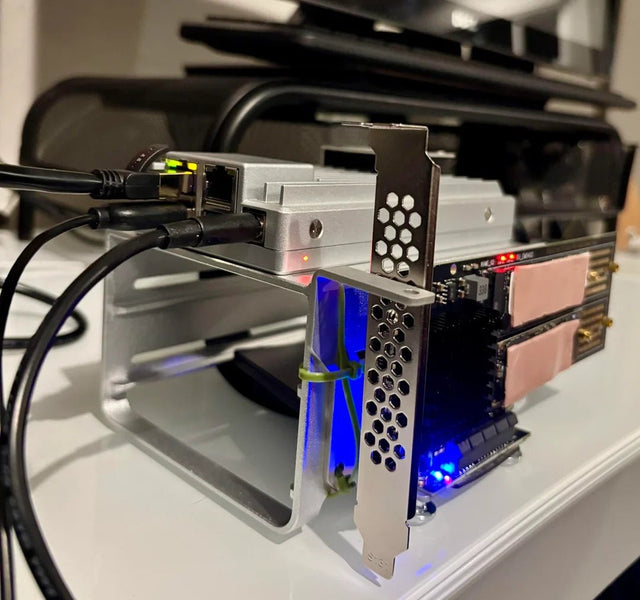
Can Jellyfin Safely Share a GPU or Accelerator With Another Container?
GPU sharing is conditional: verify device visibility and driver support, then run both workloads and watch for software fallback.
How to Tell Whether a Jellyfin Error Comes From the Client or Server
A Jellyfin error belongs to the client when it follows one device; it belongs to the server when multiple clients fail under the same...
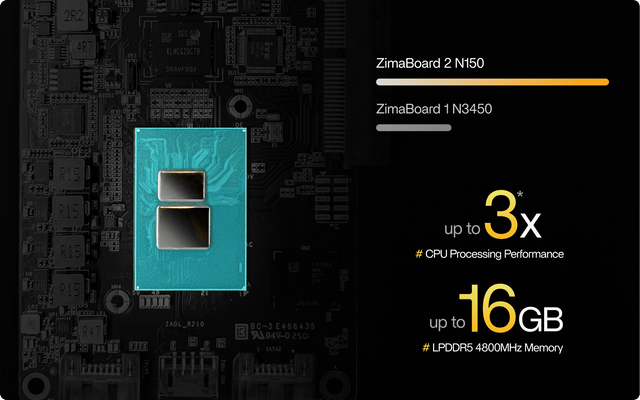
How to Configure Jellyfin Cache and Temporary Storage
Separate durable state, rebuildable cache, and temporary transcode storage, then verify capacity and permissions with a real playback test.


