
Who Needs a Dedicated Home Assistant Server, and Who Does Not?


Buy a dedicated Home Assistant server when isolation measurably reduces outage, maintenance, radio, or recovery risk; otherwise reuse a stable host that passes coexistence tests.
Start With the Household Consequence of Host Failure
List what stops when the current host is rebooted, updated, full, or physically unavailable. Lighting convenience may tolerate a short interruption, while heating, access, alarms, or caregiver routines may justify a separate control boundary. Dedicated hardware buys isolation only from failures caused by the shared host, not from broken integrations or devices.
A direct discussion of dedicated versus shared hosting shows that the decision begins with which other services must coexist and how much maintenance coupling is acceptable.
Choose dedicated hosting when a shared-host outage exceeds the household tolerance and no software limit can contain it. Do not buy another machine merely because dedicated sounds safer; power, network, radios, and backups may still remain common failure points.
Dedicated Hardware Helps High-Change Shared Hosts
A server that frequently tests containers, changes storage pools, runs heavy backups, or hosts media and AI workloads creates more maintenance and contention events. Moving Home Assistant to a simple appliance can keep those experiments from rebooting or starving the control plane.
Community accounts of real hosting patterns illustrate that successful installations span dedicated appliances, mini PCs, NAS systems, and virtualized hosts; operational discipline explains more than form factor alone.
Buy dedicated hardware when the shared platform's change rate cannot be reduced or when other users control its maintenance. Keep sharing when updates are coordinated, resources are bounded, and Home Assistant remains inside latency and restart targets during the heaviest neighbor job.
Radios and Recovery Can Flip the Decision
USB Zigbee, Z-Wave, Thread, Bluetooth, or other coordinators need stable attachment, placement, and ownership. Virtualization can manage passthrough well, but recovery becomes harder when the replacement host must reproduce USB mapping, bridges, storage, and hypervisor configuration before Home Assistant can start.
Virtualized deployments can also improve portability by moving a complete VM to replacement hardware. One operator's virtual-machine recovery rationale shows why an extra layer can simplify migration when it is documented and practiced.
Choose dedicated hardware when radio placement and simple bare-host recovery dominate. Choose a shared VM when snapshots, hardware portability, and administrator skill are proven advantages. The same architecture can be safe for one household and fragile for another.

Apply the Buy, Reuse, or Split Rule
Buy dedicated when essential control, frequent neighboring changes, unmanageable contention, or radio and recovery simplicity create a clear isolation benefit. Reuse the shared host when it is stable, lightly changed, measured under overlap, and restorable. Split only the heavy database, camera, or media function when that removes the actual bottleneck.
The ZimaSpace comparison of dedicated and shared hosts provides the direct architecture comparison after this buying gate identifies the household's priority.
Do not buy when the current installation already meets latency, outage, noise, power, and recovery targets. Revisit the decision only after a measured failure, a new critical workflow, or a planned shared-host expansion changes one of those boundaries.

Recommended products

Buying Guide
More to Read

How to Choose Low-Power Hardware for Always-On Home Assistant
Compare Home Assistant systems by wall power and workload. Buy when energy, noise, reliability, or a measured service limit justifies replacement.
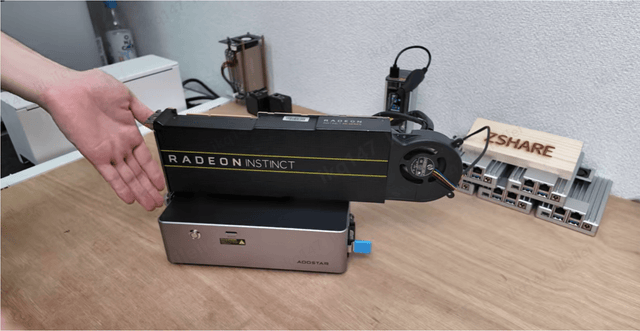
How to Choose a Home Assistant Server for a Shared Household
Size Home Assistant for household workloads, not headcount. Use measured peaks, durable storage, separate identities, and tested recovery to choose a host.
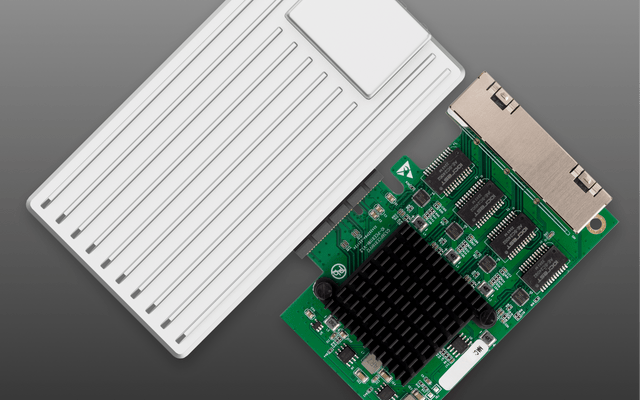
How to Choose a Home Assistant Server for Internet Outages
Outage-ready Home Assistant hardware starts with the local control path. Size power, storage, and recovery around actions that must continue without the WAN.


